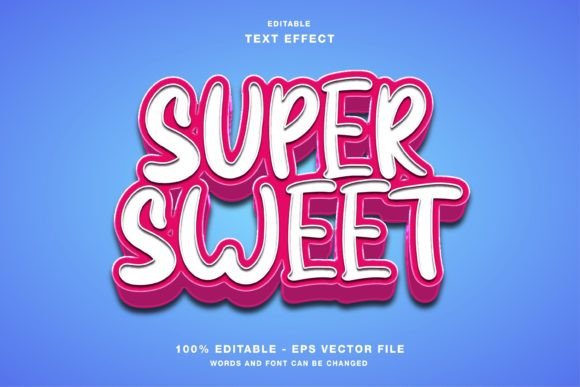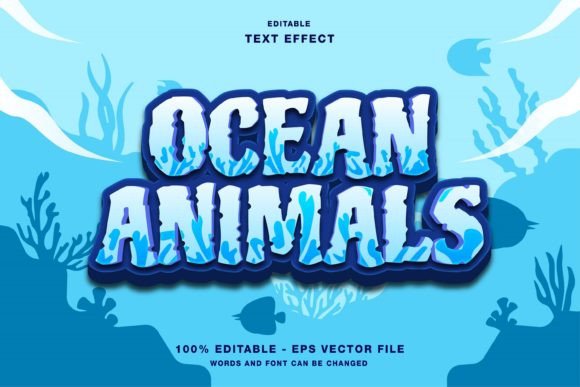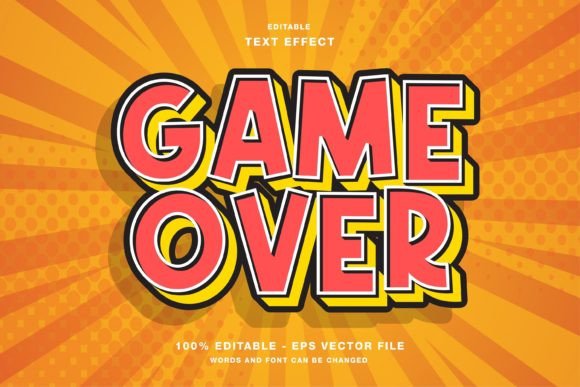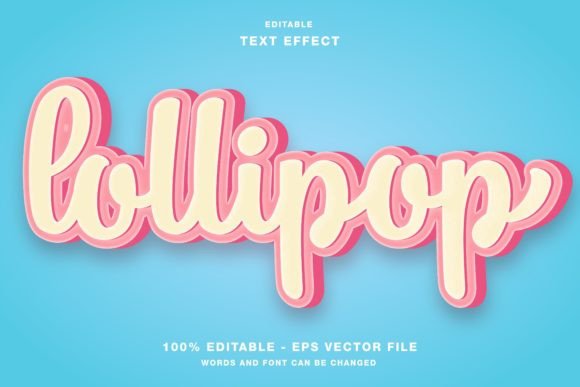
Toy Party Cartoon Text Effect Guide
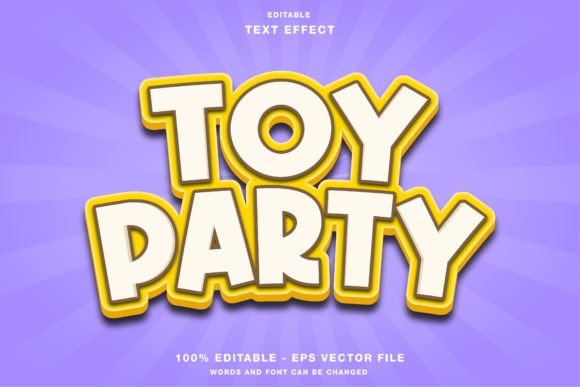
Visual communication has evolved rapidly, shifting from static, formal typography to dynamic, playful expressions that capture attention in milliseconds. At the heart of this shift is the ability to infuse personality into words, transforming simple headlines into engaging visual experiences. The Toy Party Cartoon Text Effect represents a specific aesthetic choice that blends nostalgia with modern digital design principles. It is not merely a font; it is a comprehensive style template designed to evoke joy, energy, and approachability. For designers and content creators, understanding how to leverage this effect can significantly enhance the impact of their work across various platforms.
This editable template for Adobe Illustrator offers a streamlined solution for creating vibrant text effects. Whether you are designing for web interfaces, social media promotions on Instagram, Twitter, or Facebook, or preparing physical materials like flyers, posters, and magazines, this tool provides the necessary flexibility. The files are delivered in RGB color mode, which is optimized for digital screens, ensuring that colors appear vivid and true to life on monitors and mobile devices. Included EPS and JPG files in the main folder make integration seamless, allowing users to focus on creativity rather than technical setup.
Why Playful Typography Matters in Modern Design
In an era where digital noise is at an all-time high, standing out requires more than just bold fonts. It requires emotion. The cartoonish, toy-like aesthetic taps into a universal sense of fun and curiosity. This is particularly effective for brands and creators who want to appear accessible and friendly. Unlike stark, minimalist designs that may feel cold or corporate, a Toy Party Cartoon Text Effect invites the viewer in. It suggests that the content behind the headline is enjoyable, easy to digest, and perhaps even entertaining.
For marketers and small business owners, this distinction is crucial. When promoting events, sales, or new products, the tone of the visual elements sets the expectation for the customer experience. A playful text effect can lower psychological barriers, making potential customers more receptive to the message. It signals that the brand does not take itself too seriously, fostering a sense of community and connection.
Tailoring the Tool to Your Skill Level
One of the most significant advantages of this template is its adaptability to different skill levels. The design community is diverse, ranging from seasoned graphic artists to individuals who have never opened Adobe Illustrator before. Here is how different users might approach and benefit from this resource.
For Beginners and Hobbyists
If you are new to graphic design, the prospect of creating complex text effects from scratch can be daunting. Techniques involving layering, shading, and perspective often require hours of practice. This template removes that barrier. Because every element is editable and customizable, beginners can achieve professional-looking results without needing to master advanced vector tools immediately. You can simply type your text, adjust the colors to match your brand palette, and export. This immediate gratification encourages learning and builds confidence, allowing hobbyists to create high-quality graphics for personal projects, party invitations, or social media posts without frustration.
For Professionals and Freelancers
Experienced designers value efficiency. While they possess the skills to build such effects manually, time is often their most scarce resource. When working on tight deadlines for client projects, such as a last-minute social media campaign or a rapid-turnaround flyer, using a pre-built template is a strategic decision. The Toy Party Cartoon Text Effect serves as a robust starting point. Professionals can deconstruct the layers to understand the construction, modify specific anchor points for unique customization, or use it as a base to develop something entirely new. The inclusion of EPS files ensures that the vector data remains crisp at any size, a non-negotiable requirement for print publications like magazines and event papers.
For Educators and Content Creators
Educators and bloggers often need to create engaging materials that appeal to younger audiences or maintain a lighthearted tone. A teacher creating worksheets or a YouTuber designing thumbnail art can use this effect to make educational content feel less like homework and more like an adventure. The bright, saturated colors typical of RGB mode are perfect for capturing the attention of students and viewers scrolling through feeds. By using consistent playful typography, educators can build a recognizable visual identity that makes their content instantly identifiable.
Practical Applications Across Media
The versatility of this text effect lies in its digital-first optimization, yet its utility extends beyond the screen. Understanding where and how to apply it can maximize its effectiveness.
- Social Media Promotions: On platforms like Instagram and Facebook, visuals are the primary driver of engagement. A headline rendered in a toy-party style stands out against the clean, white backgrounds of standard posts. It works exceptionally well for announcement graphics, sale alerts, or celebratory messages.
- Web Design Elements: For websites targeting families, gamers, or creative industries, using this effect for section headers or call-to-action buttons can enhance user experience. It adds a layer of interactivity and fun that keeps visitors engaged longer.
- Print Publications: Although the source file is in RGB, the vector nature of the EPS files allows for high-quality printing. Flyers, posters, and magazine headers benefit from the bold shapes and clear readability of cartoon-style text. It is ideal for event promotions, children’s activity guides, or lifestyle magazines focusing on leisure and entertainment.
Evaluating Fit: Is This Right for Your Project?
Before integrating any design asset, it is essential to assess whether it aligns with your project goals. The Toy Party Cartoon Text Effect is not a one-size-fits-all solution. It thrives in contexts that prioritize creativity, energy, and approachability. If you are designing for a law firm, a financial institution, or a luxury brand that relies on exclusivity and seriousness, this style may clash with your brand identity. However, for startups, educational platforms, entertainment venues, and consumer goods, it offers substantial commercial value.
Consider your audience’s expectations. Are they looking for reliability and tradition, or innovation and fun? The latter group will respond positively to the whimsical nature of this text effect. Additionally, consider the medium. Since the template is optimized for RGB, it is perfectly suited for digital displays. If your primary output is large-format print, ensure you convert colors appropriately or verify the vibrancy translates well to CMYK, though the vector scalability ensures sharpness regardless of output size.
Maximizing Customization and Creativity
The true power of this template lies in its editability. Users are not locked into a single look. By adjusting the color profiles, you can tailor the effect to match specific seasonal themes—pastels for spring, bright primaries for summer, or warm tones for autumn. Changing the text content is straightforward, allowing for rapid iteration during the brainstorming phase. This flexibility supports a creative workflow where ideas can be tested and refined quickly.
Furthermore, the inclusion of both EPS and JPG files provides options for different workflows. Designers who need to manipulate individual vector points will rely on the EPS format, while those who need a quick image for a presentation or a mockup can use the JPG. This dual-format approach respects the diverse needs of modern creators, ensuring that the tool is accessible regardless of technical preference.
In conclusion, the Toy Party Cartoon Text Effect is more than a decorative element; it is a strategic design asset. It bridges the gap between professional quality and ease of use, making it valuable for a wide spectrum of users. By understanding its strengths and appropriate applications, you can leverage this tool to create compelling, memorable visuals that resonate with your audience and elevate your creative projects.